
Level Time & Level Time Goals
Level Time is a World of Warcraft addon that shows how your leveling is really going: play time, XP per hour, kills, deaths, quests and gold for your current level, your current session and the instance you are in, with a history for all of your characters. I build it as “Nerzal” in game and as an open-source project on GitHub. The companion addon Level Time Goals turns goals into cards on your screen. Both are free on CurseForge.
Who is Level Time for?
- Levelers who want to know their real XP per hour, time to the next level and which zones or activities pay off.
- Speedrunners who want LiveSplit-style splits, gold splits, a personal-best comparison and a LiveSplit export.
- Streamers who need an overlay-friendly display, a chroma-key background for OBS, hidden names and on-screen goals.
The live window
A small, movable window shows one scope at a time: the current level, the session or the instance. Play time is synced to the server’s /played, so it is correct even if you install the addon mid-level. Every row can be switched on or off, and there are seven layouts: table, info bar, compact, text only, clock, XP bar and tiles.
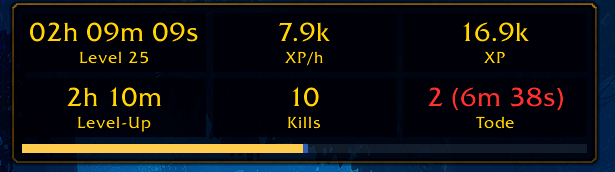
The tiles layout.
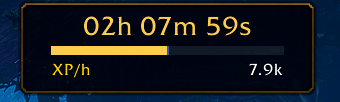
The compact layout: time, XP bar and up to three values you choose.
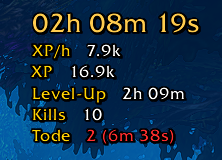
Text only: no background, outlined, made for streaming overlays.

The info bar shows everything in one line.

A slim XP bar, with text always, on hover or never.
Hover the XP bar for exact numbers: current and required XP, XP missing, rested XP and the XP of quests you can turn in.

The XP bar tooltip.
There are also themes, fonts, bar textures, visibility rules (for example hidden in combat or at max level) and an edit mode (/lt edit) to place every display with grid and snapping.
History and charts
Open the history with /lt history or Shift-click on the minimap button. It lists levels, sessions, kills, deaths with cause, quests, loot, instances, zones, reputation and money for every character, and shows charts such as time and XP/h per level, kills per day, death causes and a heatmap of when you play. Personal records, a character comparison and CSV export are included.
Speedrun splits
For leveling runs there is a LiveSplit-style split list with gold splits, a comparison against your personal best or your other characters, a forecast for the next bracket and speedrun.com records shipped as a snapshot. You can set your own splits, import and share runs, and export to LiveSplit as .lss.
Timers, alerts and reminders
Level Time can count down eating (Well Fed), campfire and sleeping bag rest, and show flight times. Alerts and reminders cover rare and elite kills, epic loot, missing food or class buffs, full bags, low durability and break reminders. Most of these are off by default; the timers for campfire and sleeping bag exist on WoW Forever only.
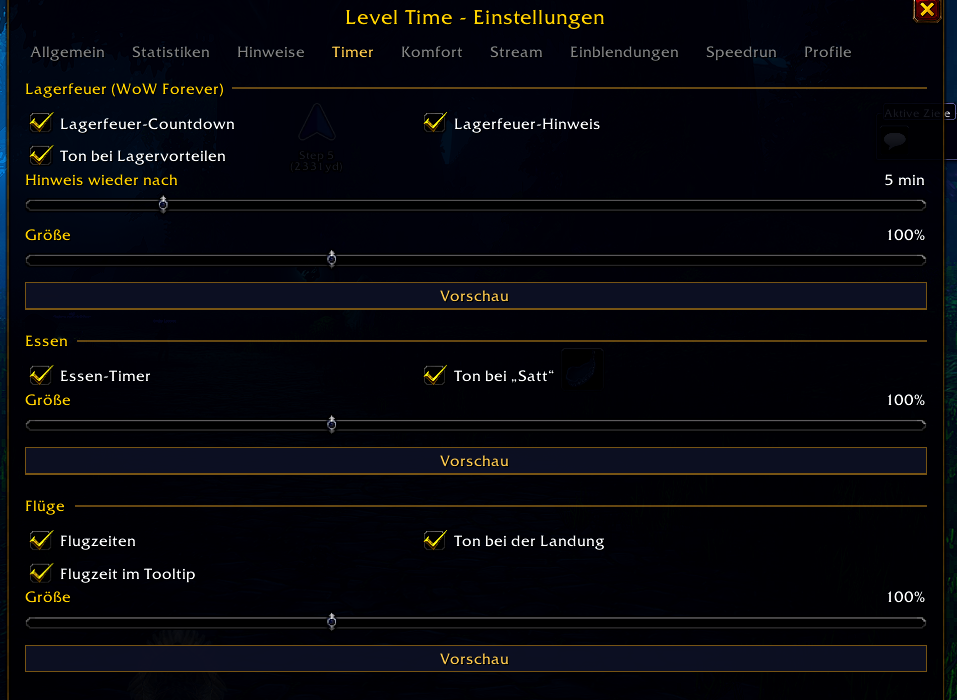
On-screen timers.
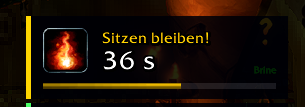
Campfire countdown (WoW Forever).
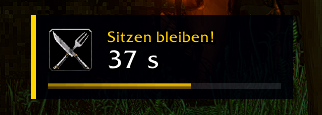
Eating countdown until Well Fed.
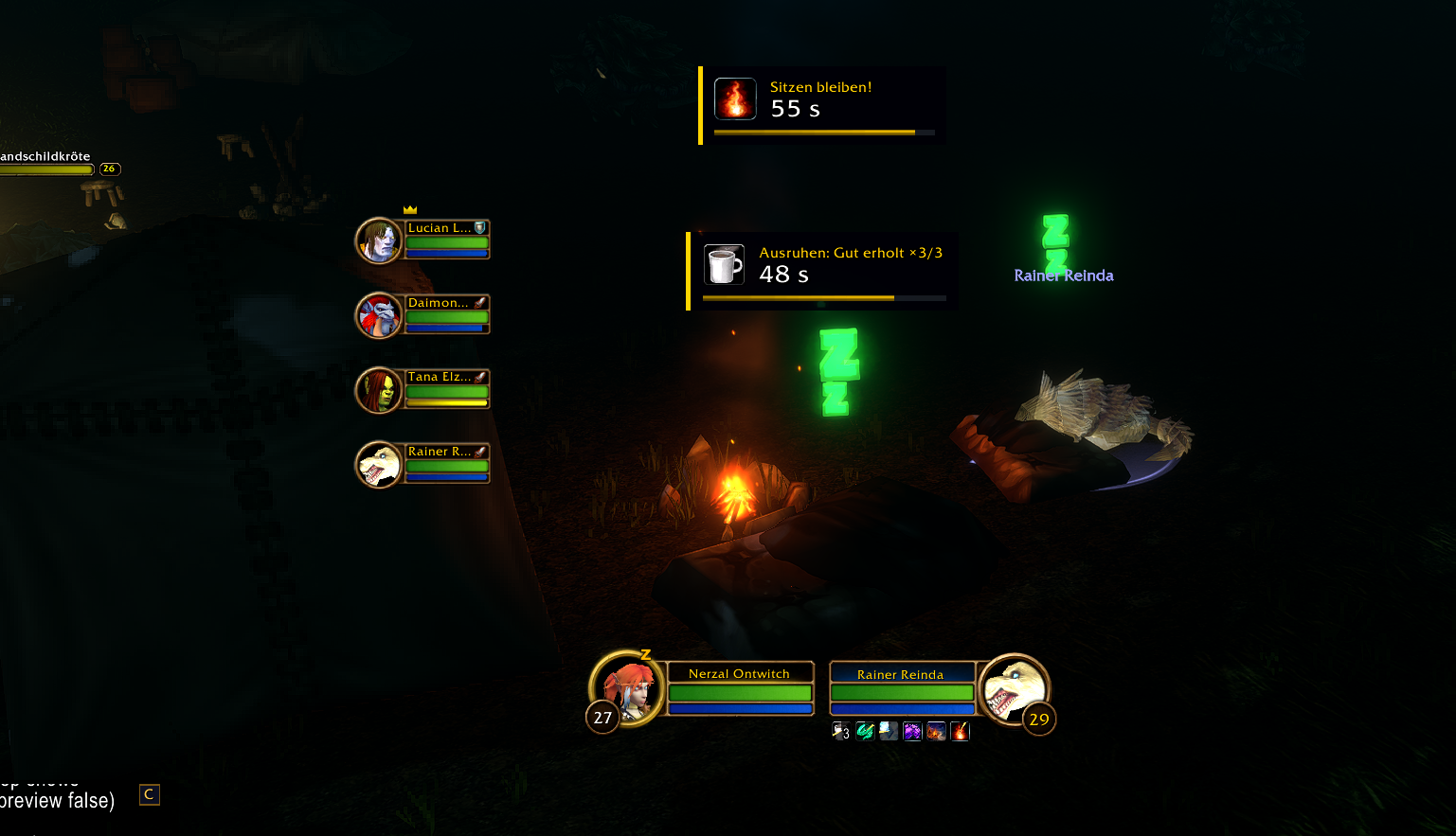
Sleeping bag rest countdown (WoW Forever).
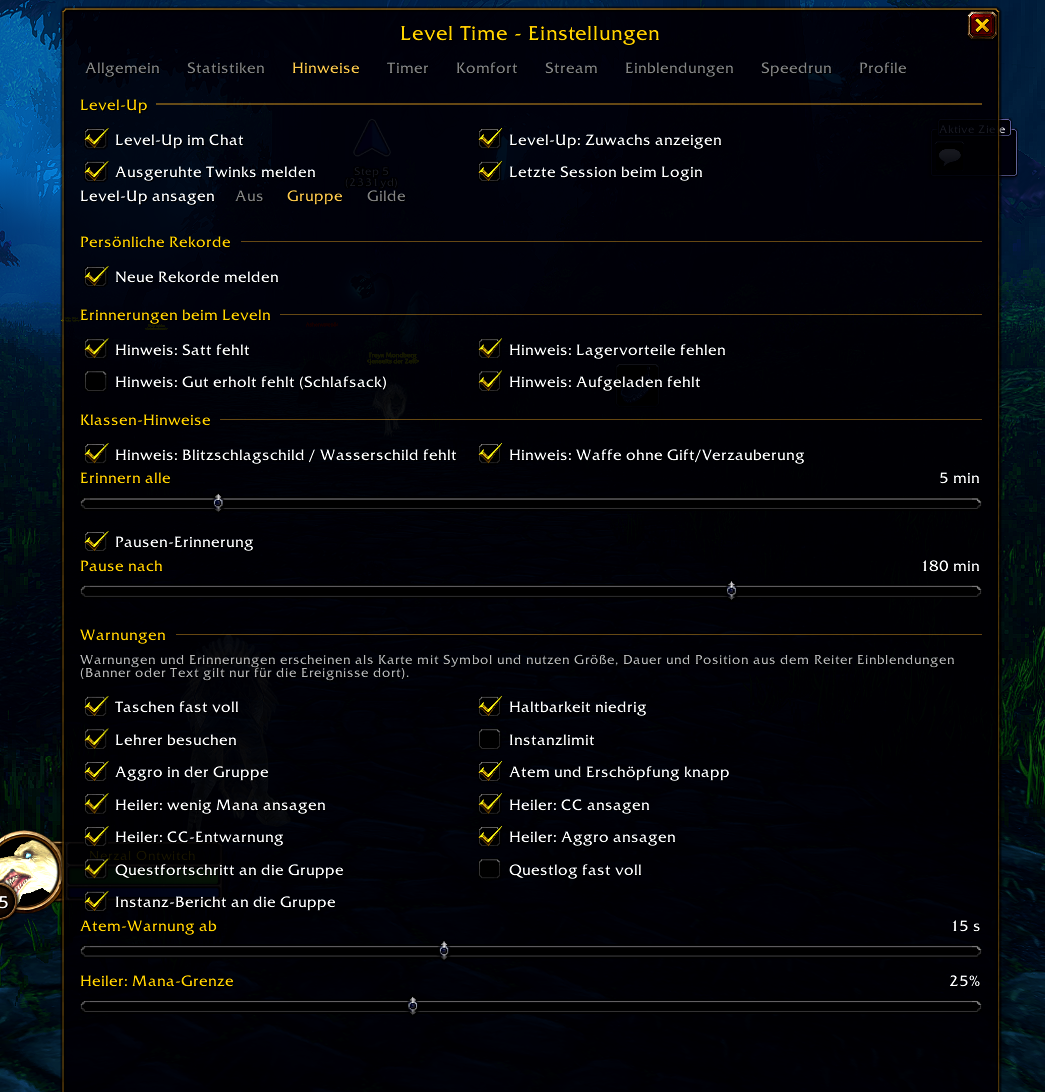
Hints and reminders appear as cards.
Comfort features
Inspired by Leatrix Plus, but with their own code and all off by default: automation (repair, sell junk, quest handling), social and chat options, interface tweaks, hiding Blizzard frames, flight times and counters for Need, Greed and Pass on loot rolls. Every change to game settings is reversible: turning a feature off restores your previous value.
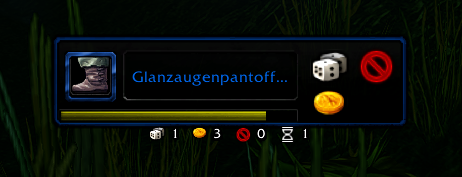
Loot roll counters.
Built for streaming
Stream mode (/lt stream) turns on big alerts and hides names in one step. A chroma-key background helps with OBS, and a session recap card (/lt recap) summarizes time, levels, XP, kills and deaths.
Level Time Goals
Level Time Goals lets you set goals for your stream and shows them as cards on screen, so viewers see what you are working on and how far along you are. A big alert appears when a goal is reached. It needs Level Time, so install both.

Goal types include reaching a level, kills, loot, gold, quests, professions, exploration, bosses, reputation, battleground wins, rules that can fail (such as no death), checklists and free text. Goals can have deadlines, daily or weekly repeats, rewards and points. You can also play bingo with 3x3 or 5x5 cards whose fields tick themselves, or let a wheel of fortune pick your next goal. Type /sg to start.
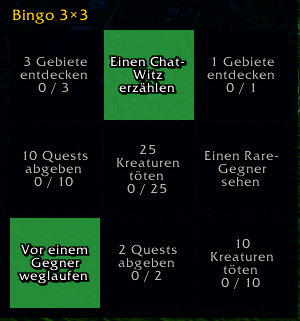
A goal bingo card.
Supported game versions
One download works on Retail, Classic Era, TBC Anniversary and WoW Forever. Features a game version cannot provide stay off quietly. Retail and WoW Forever hide some values from addons, so a few features, such as near-death tracking, are not available there. The interface is available in English, German, French and Spanish.
Download and install
- Install with the CurseForge app or download from Level Time and, for goals, Level Time Goals.
- For a manual install, extract the folders into the
Interface/AddOnsdirectory of your game version. On Windows that is inside your World of Warcraft folder, for example_retail_\Interface\AddOns; under Wine or Linux it is the same path inside your WoW prefix. - Log in and type
/ltfor the settings or/lt helpfor commands.
Bugs and ideas are welcome as GitHub issues.
How it’s built
Level Time is a Lua addon with Go tooling around it. The four-part series explains the engineering:
- Addon architecture
- Testing Lua with Go
- The release pipeline
- Goals and the public API