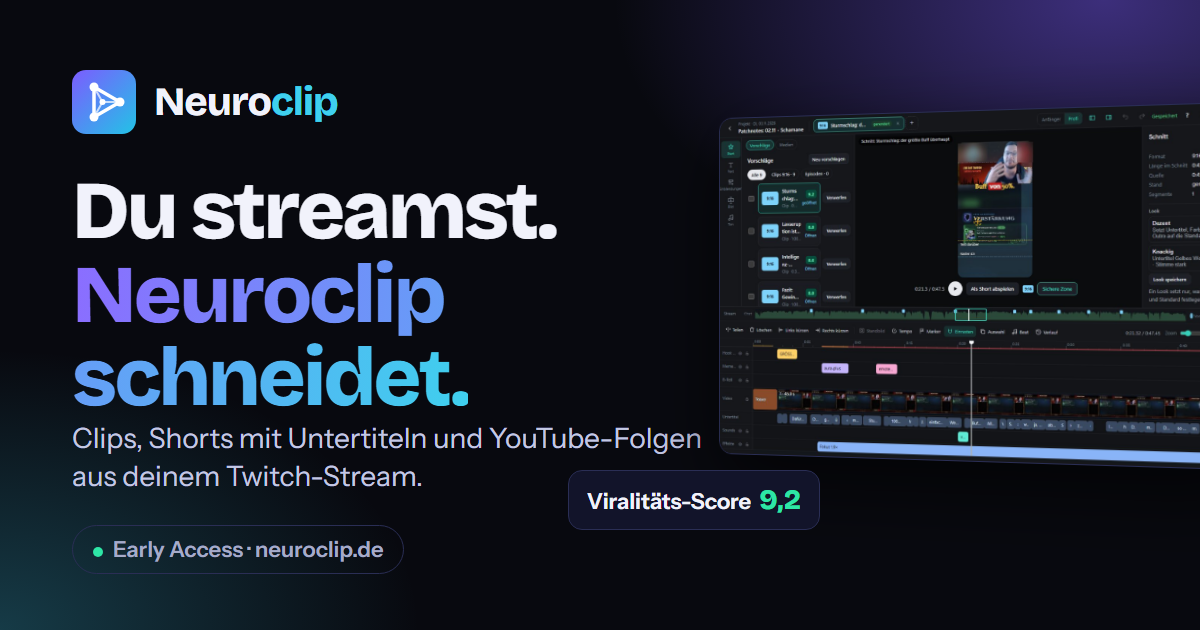
Neuroclip
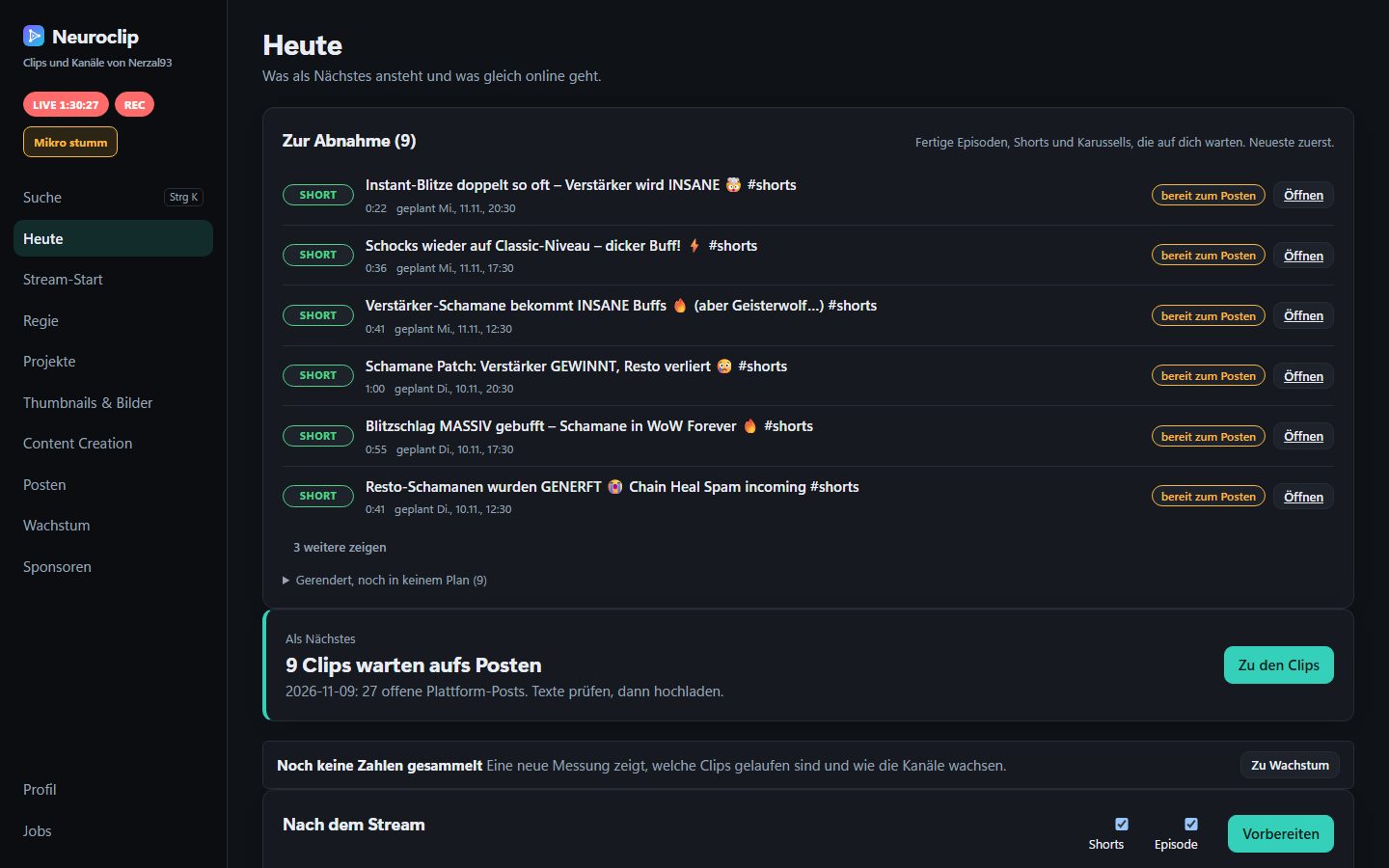
Neuroclip is a tool I built for Twitch streamers: it finds the best moments of your streams, cuts them into subtitled vertical shorts and long YouTube episodes, prepares titles, hashtags and a schedule, and helps you live in OBS. You review the proposals and approve what goes out.
Early access notice
Neuroclip is currently a single-user beta. I use it every day for my own stream, but it is not for sale, there is no installer yet, and setup still needs manual work. The planned next steps (a one-program Windows installer, bringing your own Claude key, server operation, review links for editors) have no fixed date. If you want to follow along, join the waitlist.
The product site neuroclip.de is written in German. This page is the English overview.
From stream to shorts and episodes
After a stream, the real work starts: finding moments, typing subtitles, building vertical layouts, posting three times. Neuroclip takes over that part of the work.
- Loudness, chat spikes, keywords and your own OBS markers show where something happens in a stream.
- Every candidate gets a score from 0 to 10. Above your threshold it becomes a finished vertical short.
- Proposals come with title, length and score, either from the AI Claude or from a rule-based fallback.
- Subtitles come from your microphone track and can be corrected word by word.
- Long YouTube episodes get chapters and a subtitle track.
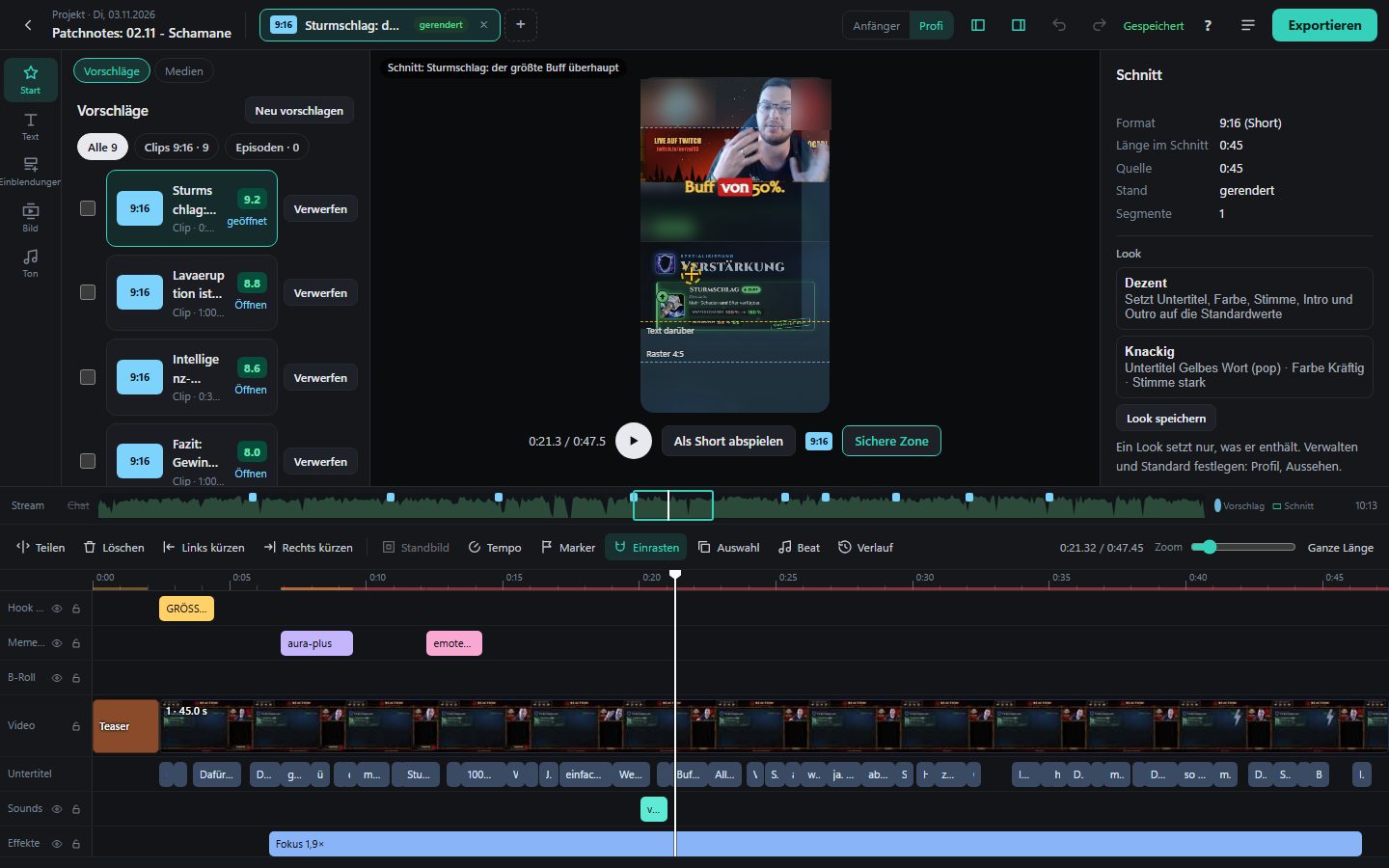
Project editor
Every proposal opens in a timeline editor. You trim, fix subtitles and add overlays, memes, sounds and effects on separate tracks. A marker you set live in OBS becomes a jump mark in the editor later.
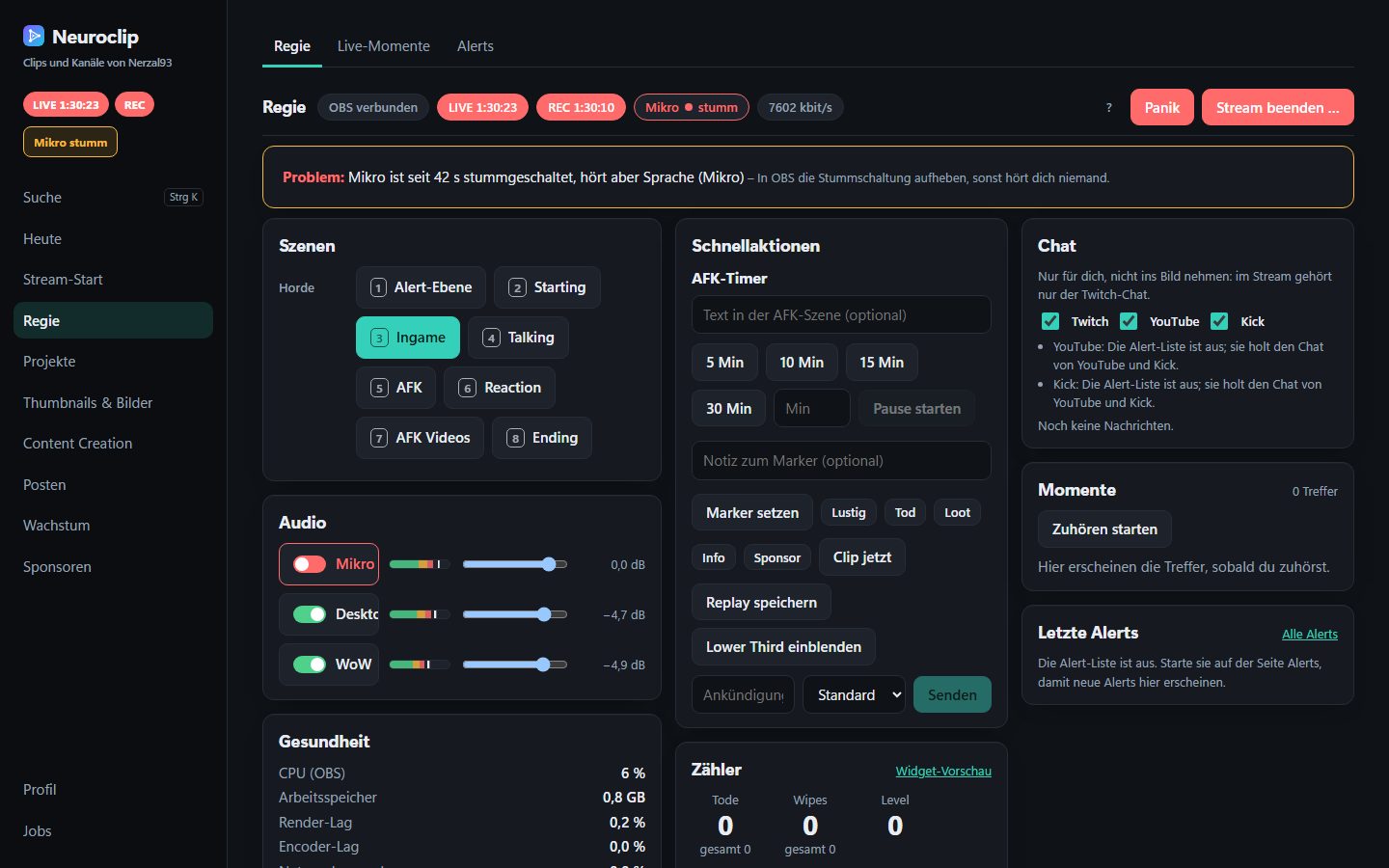
OBS Regie and alarms
The Regie (German for “direction”) is the live control surface: scenes, audio, markers, replay and counters in one interface, usable from the PC, with hotkeys, a Stream Deck or a phone. While you play, Neuroclip watches for problems.
- Alarms for a muted microphone, missing game audio or a falling bitrate
- OBS health: CPU, render and encoder lag, free disk space
- A live power-saving mode: Neuroclip steps back while you stream
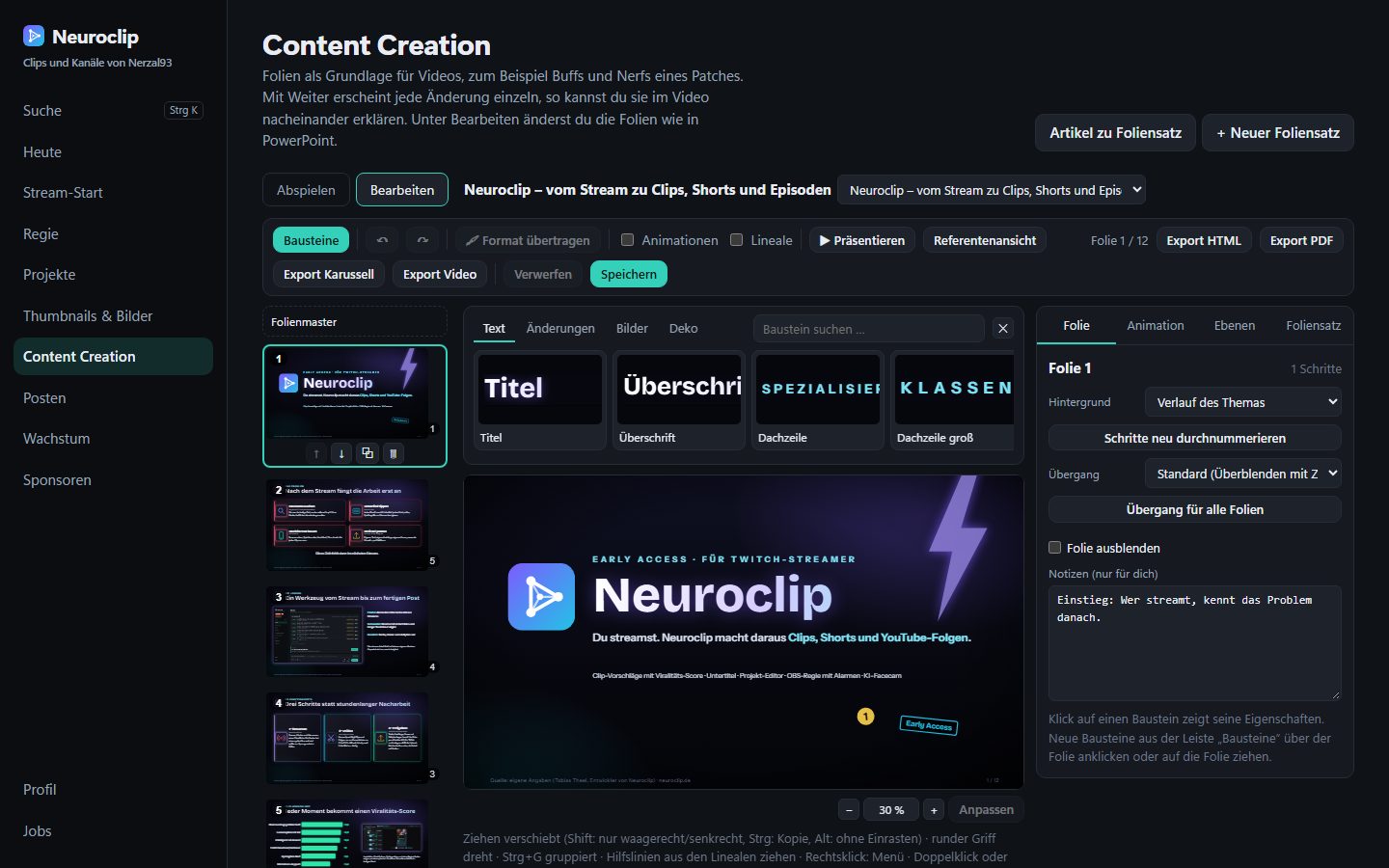
Slides and carousels
Patch notes or your own project can become slides. You build them in an editor that works like PowerPoint, play them in the stream, or export them as HTML, PDF and photo carousels for TikTok and Instagram, always with a source reference.
AI facecam upscaling
In the stream layout your webcam is small, but in a vertical short it is enlarged a lot. Neuroclip upscales only the camera crop with Real-ESRGAN and leaves the game picture untouched. The strength is adjustable and the result is saved per clip. It runs after the stream, never during it, because it needs the GPU.
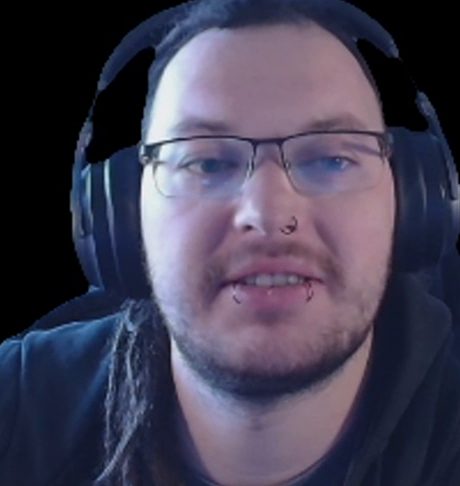 Before: enlarged normally.
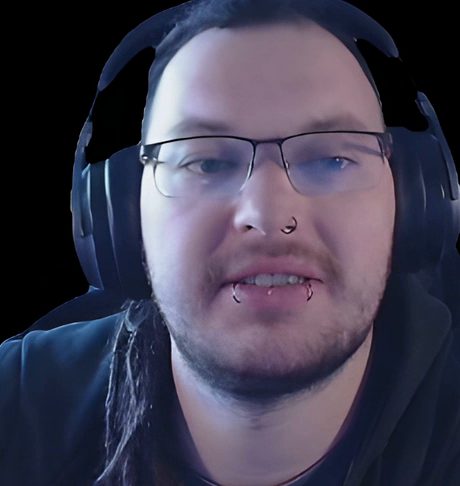 After: upscaled with the AI model.
Upload to YouTube, TikTok and Instagram
Titles, texts, hashtags, covers and schedule are prepared for each platform. Uploading follows the same rule everywhere: nothing goes online without your approval.
- YouTube: upload through the official YouTube API after you approve.
- TikTok and Instagram: a browser bridge fills in the upload form, and you click “Post” yourself.
Storage cleanup
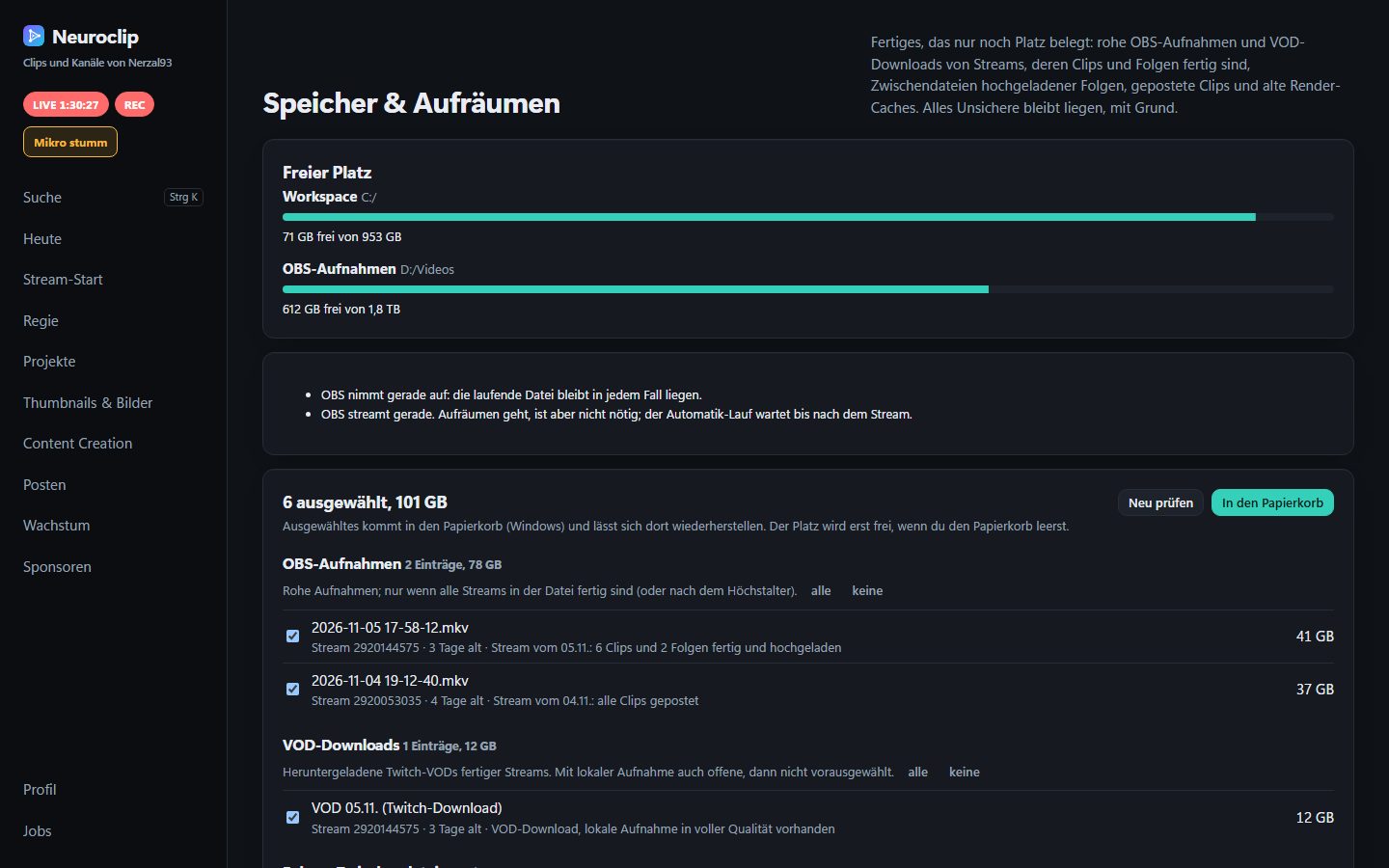
Raw recordings, VOD downloads and intermediate files quickly take up hundreds of gigabytes. Neuroclip shows what can go and why. Only finished streams (clips and episodes done) are offered, everything goes to the recycle bin and never without your confirmation, and the recording in progress is always kept.
Privacy: your data stays on your PC
Recordings, clips and your profile live in a folder on your own computer. There is one exception you control: for clip proposals and titles, Neuroclip can use the AI Claude by Anthropic, and then excerpts of the transcript are sent there. Without the AI there is a rule-based pre-selection. The data shown in the screenshots is my own, not data of other people.
Built with
Neuroclip is a Go engineering project first. The stack:
- Go for the server
- React, Vite and TypeScript for the dashboard
- ffmpeg for cutting and rendering
- faster-whisper for subtitles
- Real-ESRGAN for the facecam
- Kubernetes for deployment
I write about how it works in a series:
- Part 1: Architecture
- Part 2: The VOD-to-short pipeline
- Part 3: OBS Regie
- Part 4: Facecam upscaling
- Part 5: Shipping on Kubernetes
Try it or join the waitlist
Visit neuroclip.de (German), watch the 12-slide presentation, or join the waitlist by email. Please add a link to your channel. There is no newsletter and no tracking, just a personal reply when a spot opens up.